SUPPORT GUIDE
Accessing Adobe Experience Platform Data Collection in your sandbox environment
Updated: Mar 19, 2026

Overview
Before you can use your Adobe Experience Platform Data Collection sandbox you’ll need to configure access using the Admin Console.
Note: Adobe Experience Platform Data Collection was formerly named Adobe Launch.
Configuring access
-
Navigate to https://experience.adobe.com/.
-
Sign in with the Adobe ID of an admin user.
-
Go to the Administration area using navigation in the upper right corner. Alternatively, you can go straight to the Admin Console at https://adminconsole.adobe.com.
-
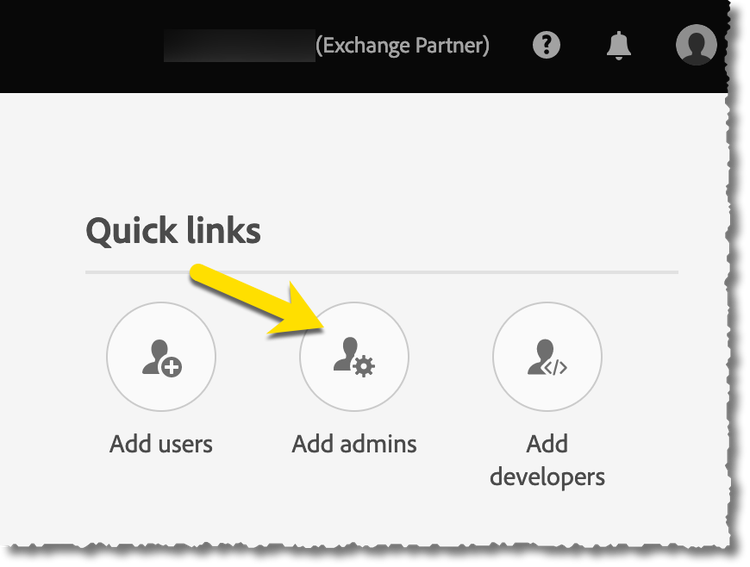
(optional) Invite other Admin Users using the Add admins under the quick links.
-
Click over to Products so that you can add user access for a specific product (in this case we’ll be doing Experience Platform Launch).

-
Scroll down and click Adobe Experience Platform Data Collection.
-
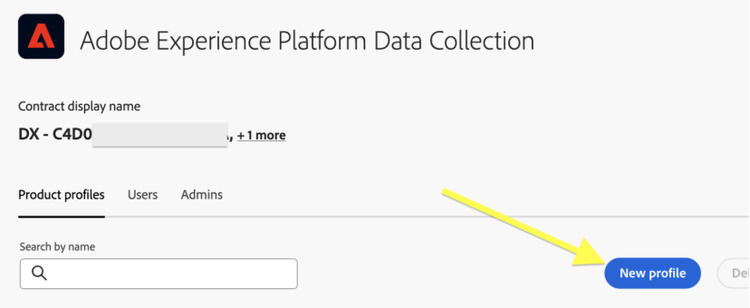
Add a Product Profile (if you don’t see one) using the New Profile button.
-
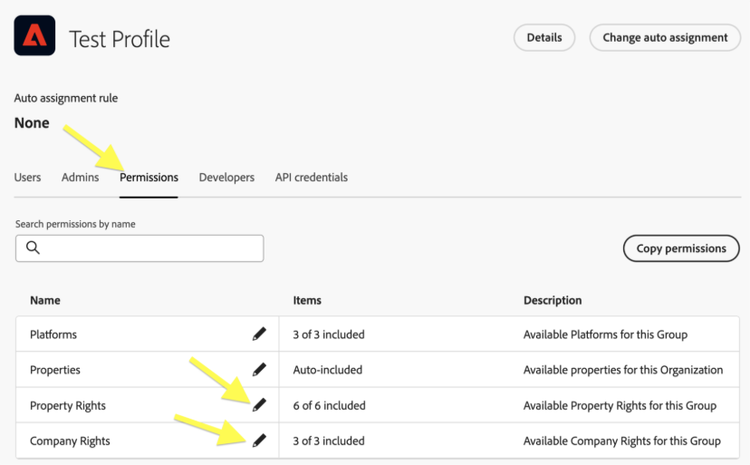
Set the permissions on the profile. You'll likely want to add all of the Platforms, Properties, Property Rights, and Company Rights to your profile so that you aren't restricted in your development within your sandbox.
-
Add users to that Product Profile (including yourself) by clicking into it and then clicking the Add User button. Simply use their email address to invite.

-
Similarly, you can add Experience Platform Data Collection Admins (including yourself) under the Admins tab.
Navigating to Adobe Experience Platform Data Collection
Once you’ve done this work in the Admin Console, you can access the Experience Platform Data Collection UI by going back to the Experience Cloud UI and click the grid icon (upper right corner) then go to Data Collection.
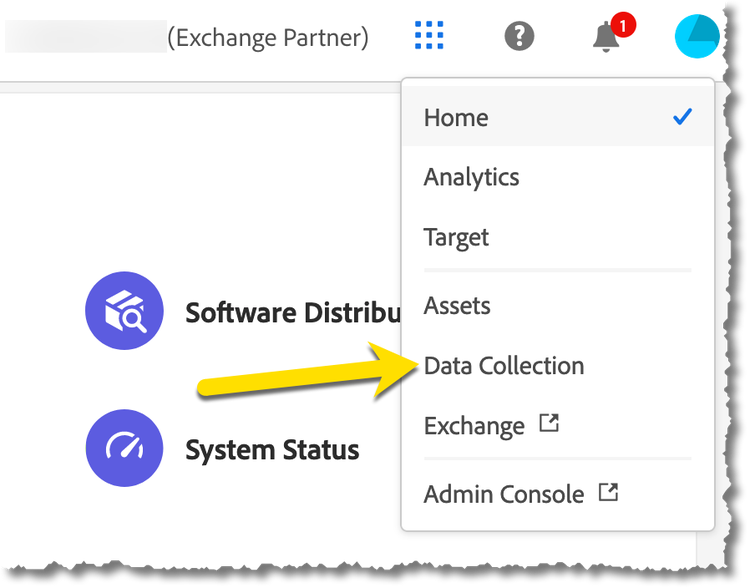
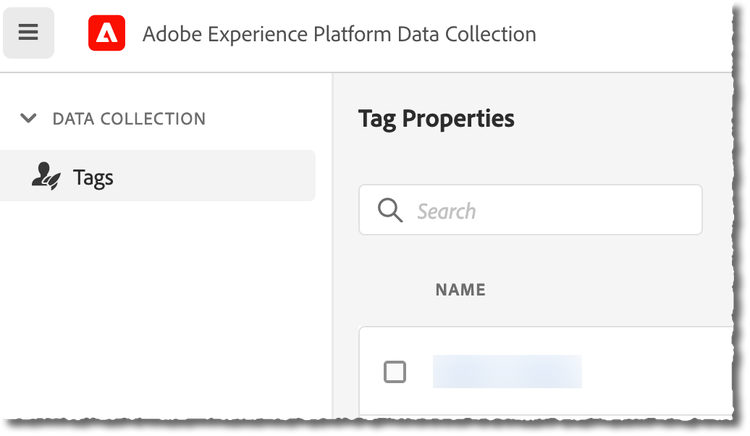
You'll arrive at the Tag Properties view within the Experience Platform Data Collection user interface .
Next step
Watch this tutorial to get started using Adobe Experience Platform Data Collection.
Send to Caas documentation page.